 Orca Systems
Your first hotel PMS: the five decisions to make before opening day
On Google Search you can choose the sites whose articles you want to see more often.
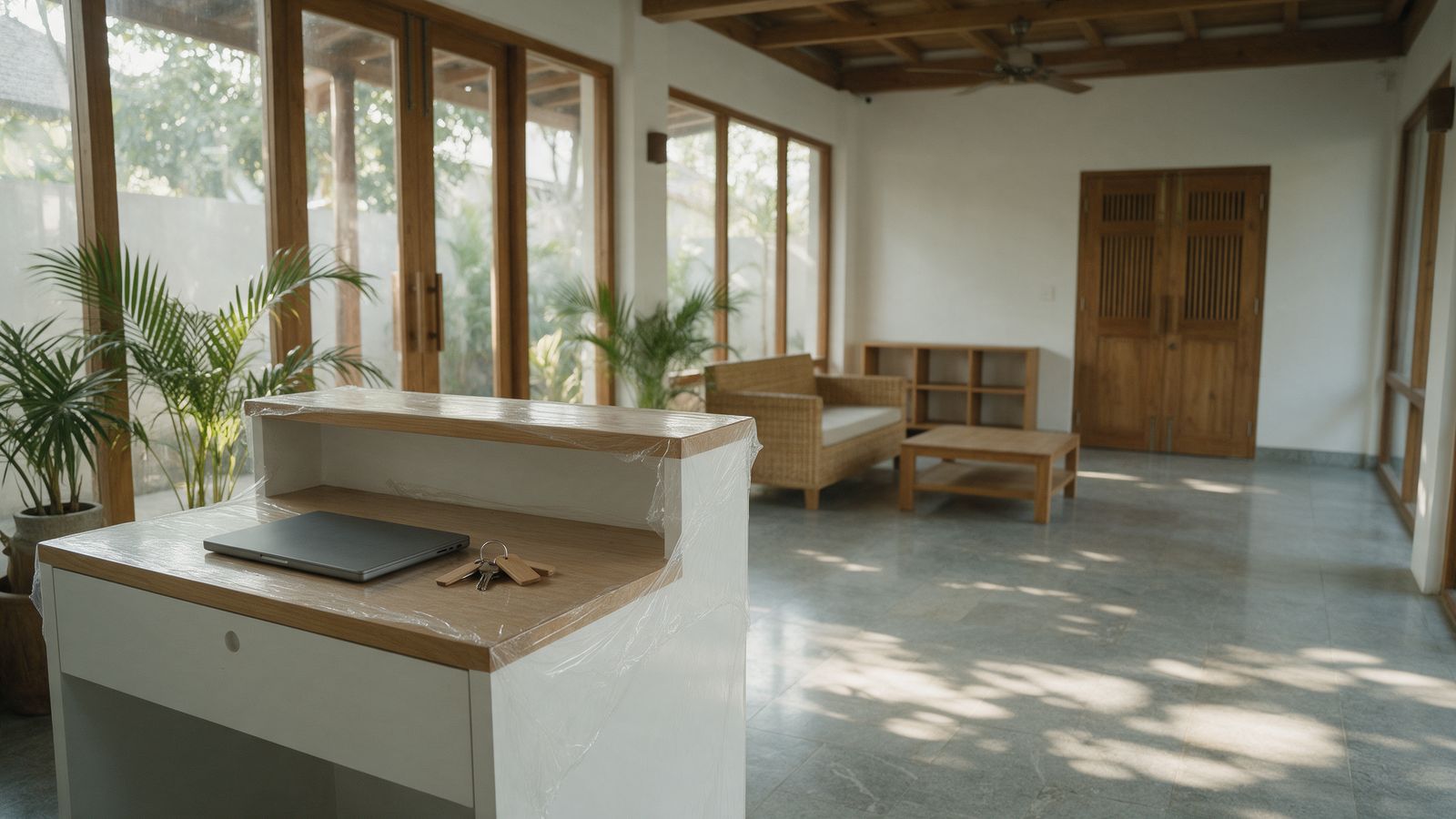
You have a building, a licence process, a team being hired and an opening date that does not move. Somewhere on the list is "choose the hotel software", and it keeps slipping because it looks technical.
It is less technical than it looks. A property management system (PMS) is the program your front desk uses every day to take bookings, check guests in and out, charge and collect money, and close the day. You do not need to understand databases. You need to decide five things in the right order. This article walks through them and ends with questions to take to any vendor, including us.
Decision 1: What does your front desk have to do on day one?
Write the day-one tasks in plain words before you open a single website:
- take a booking by phone, walk-in and from an online travel agency (OTA)
- check a guest in, with a passport for foreign guests
- charge a room and extras, take a deposit, take payment in the ways your guests pay (cash, card, QR, transfer)
- check a guest out and print or send the bill
- see which rooms are clean, dirty or out of order
- close the day
Then watch a vendor do those tasks, with your room types and your rates, in the demo. A demo on a different hotel's data proves very little. If a first-day receptionist hired next week could not do them after an hour of practice, the system is too complicated for you, however many features it has.
Decision 2: How will your bookings arrive?
This is where new owners most often confuse two different tools. A PMS runs the hotel. A channel manager is a separate service that pushes your rates and availability to the OTAs and brings bookings back. Some vendors sell both; many sell one.
Ask every vendor, in writing: which channel managers connect to your PMS, how, and who does the work? "Integrated" can mean a built-in connection, a connection through an API that your channel manager must support, or a spreadsheet. Those are very different amounts of work at 11 p.m. when a booking does not arrive.
Our own answer, for the record: with Orca Systems you connect your own channel manager through the API. We do not ship a built-in connector for any particular channel manager. If your hotel depends on a deep two-way link on opening day, tell us early, and we will tell you honestly whether that is a fit.
Decision 3: How will you close the day and count the money?
Every hotel needs a daily close. It posts the room charges, balances each cashier shift, and rolls the date forward (we explain the details in What a night audit is, and why your hotel's day has to close). Before you sign, ask:
- Can each cashier shift be balanced by payment method?
- Does the daily close show what it is going to post before it posts?
- After the close, can someone edit yesterday silently?
- Is there a log of who changed what, and when?
A new hotel with a small team is exactly where an unbalanced drawer is hardest to trace. Decide the answer now, not after the first month-end.
Decision 4: What paperwork must the system help with?
In Thailand, a hotel must notify immigration of foreign guests, which is the TM30 report, within 24 hours of arrival (Immigration Bureau, accessed 11 October 2026; more detail in our TM30 article). A system cannot take that duty away from you, but it can make the daily list quick to produce and honest about what it does not know.
Ask the vendor: does it capture passport details at check-in, and can I produce the day's TM30 list from it? What does it do when a nationality or a passport field is missing: guess, or flag it? A system that guesses on an official record will cost you later. If you will also operate or report outside Thailand, ask what is supported there; our own TM30 export is for Thailand only.
Decision 5: Who owns your settings, your data and your exit?
Rates, seasons, users and reports are not set once. They change every month. Ask who can change them:
- Can you change a rate, add a staff user or build a report yourself, without a ticket to the vendor and without a fee? If every change is a paid request, you will find that out in your first high-season.
- What is the price made of? Per room, per user, per module, setup fee, change fee, support fee. Get the whole thing on one page.
- Can you export your data, in a format a person can open, at any time?
- What happens if a payment is late? Is access suspended, or is data deleted? (Our planned terms are on the security page; they are not final.)
- Where is your data held, and under which agreement? Guest passports are personal data under Thailand's PDPA; ask for the data processing agreement before you load a single guest.
Work backward from your opening date
When you have chosen, plan the order. We deliberately do not give you a number of days for each step, because it depends on how many hours your team can give it. The order does not change:
- Decide the system and sign.
- Enter your room types and rooms.
- Enter your rates and seasons (the step people leave until last, and then rush).
- Create staff users and set what each role may do.
- Set your booking sources and payment options.
- Enter test bookings, check a guest in and out, print a bill.
- Practise a full daily close on test data, at least once, with the person who will do it for real.
- Produce a test TM30 list from a test foreign guest.
- Let each staff member do their own tasks with someone watching.
- On opening day, have one person with nothing else to do except watch the system.
If you do only one thing from this list early, do step 7.
Mistakes worth avoiding
- Choosing on the demo. The demo shows the system at its best, on perfect data.
- Leaving rates until the week of opening. Rates drive everything.
- Paying for modules you will not use in year one. Energy monitoring and guest apps are extras for later.
- Signing a long contract before you have run a test day.
- Not naming a deputy. Someone will be sick on the night of the first full house.
Ten questions to bring to any vendor
- Show me a booking, check-in, bill and check-out with my room types and rates.
- How do my OTA bookings arrive, and who sets that up?
- Can I change a rate, a user and a report myself, today, in the demo?
- Show me the daily close and the cashier balance by payment method.
- Show me the log of a change.
- What is the whole price, on one page?
- What happens if I stop paying? What happens to my data?
- Can I export everything?
- What does it do for Thai immigration reporting, and what does it leave for me to do?
- Who answers when something is wrong at night, and how fast?
A longer, printable version is our first-PMS buyer's checklist.
If you read us on Google Search, you can choose Orca Systems as a preferred source there.